
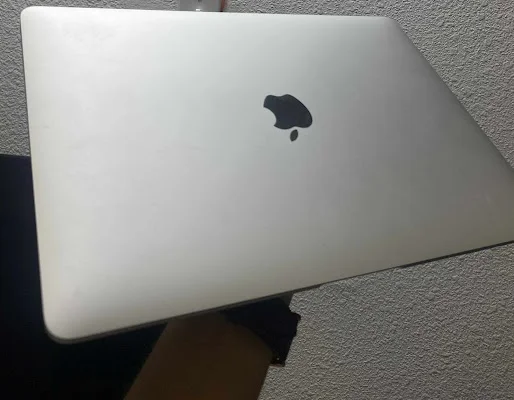
Device: MacBook Air
Year: 2020
Common Issue: Overheating of the device, noisy operation of the fan, thermal throttling, device shut down automatically.
Possible reasons for this problem:
1) Old or expired thermal paste
2) Incorrect contact of the heat sink
3) Dust accumulates in the vents and fans
4) Fan malfunction or decreased RPM
5) GPU/CPU overheating
We disassemble your device, remove the degraded thermal paste, clean the CPU/GPU with an alcohol-based solution, and reapply high-quality thermal paste. We also test your Mac for performance and temperature. Choose Mac Tech Service for reliable and efficient repair.
Mac Tech Service
Professional Services:
1) Cleaning and reapplying the thermal paste
2) Heatsink removal and re-attachment
3) Ducting the inside and fan cleaning
4) Overheating issue diagnostics
5) Thermal benchmark testing
Overheating fix, Thermal paste service, console running hot, Dallas Loud fan noise, Mac Tech Service, Watauga