
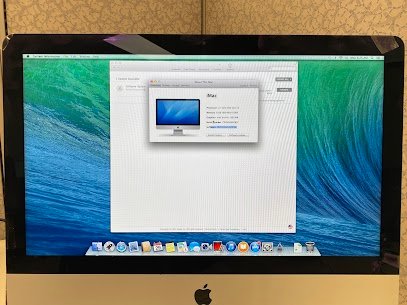
Hanging on to an old version like El
Capitan or Yosemite?
Jumping to the latest macOS Tahoe brings tighter security, smoother, running, and all those fresh features you’ve been missing.
We handle upgrades on older iMacs all the time, always double-checking everything that stays safe and compatible.
Not long ago, a graphic designer dropped off his 2012 27″ iMac that was still chugging along on OS X El Capitan. It was dragging badly, a lot of his creative software wouldn’t update anymore, and he was nervous about security with project files on there.
We kicked off with a full backup to an external drive, ran a hardware check to confirm it could take Tahoe (it was one of the last Intel models that supports it), then did a clean install of macOS Tahoe. After that, we moved his files, apps, and settings back over, and cleared out old startup junk to free things up. When he picked it up, he kept saying how quick it booted now and loved the updated Liquid
Glass look felt like a whole new machine to him.
Our upgrade process includes:
- Complete backup of your data first
- Compatibility verification and fresh macOS Tahoe install
- Careful migration of files and applications
- Cleanup of startup items for better speed
- Final checks to make sure it’s running great
Update your older iMac safely ,give us a call or visit Mac Tech Service.
#Upgrade #macOSTahoe #LatestMacOS # #DallasMacTechService