
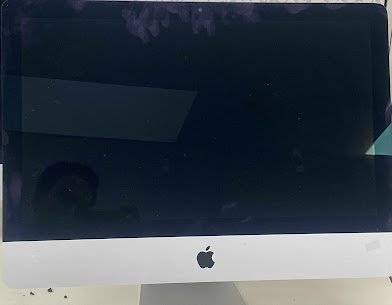
iMac – Rebooting Continuously
Device: iMac Release Year: 2019
Model no: A2116
Common Issue: The Apple logo is displayed, but the computer restarts again and again.
Reasons for this Issue:
1) macOS corrupted system files
2) Wear out a hard drive or Fusion Drive
3) Random Access Memory (RAM) failure or kernel panic
4) Power supply unit failure or logic board problem
5) T2/M1 chip malfunction or communication failure
Here at Mac Tech Service, we isolate the hardware issue by using diagnostic OS and voltage tracing. We change the SSDs that are not functioning reflow board parts, and if necessary, we recover your data. Each iMac undergoes re-testing with complete thermal and power cycles.
Mac Tech Service
Professional Services we provide:
1) SSD/RAM diagnostics and replacement
2) Boot loop recovery and OS reinstall
3) Logic board repair
4) Power rail testing
5) Data backup and recovery
iMac boot loop fix, Dallas, Apple desktop not starting, SSD repair, Watauga, macOS recovery, Mac Tech Service